
user

Sign In
Upload Mod
  • Home
  • Games
    • Atomic Heart
    • Baldur's Gate 3
    • Black Myth: Wukong
    • Cities: Skylines II
    • Company of Heroes 3
    • Crimson Desert
    • Cyberpunk 2077
    • Dark Souls II
    • Dark Souls III
    • Dead or Alive 5
    • Dead or Alive 6
    • Deadpool
    • Devil May Cry 5
    • Diablo II:Resurrected
    • Dragon Ball FighterZ
    • Elden Ring
    • Fallout 3
    • Fallout 4
    • Farming Simulator 19
    • Farming Simulator 22
    • Fighting EX Layer
    • Final Fantasy VII Rebirth
    • Final Fantasy VII Remake
    • Final Fantasy VIII Remastered
    • Final Fantasy XIII
    • Final Fantasy XV
    • Gal*Gun 2
    • God of War
    • Granblue Fantasy: Versus
    • Grand Theft Auto IV
    • Grand Theft Auto V
    • Guilty Gear Xrd
    • Horizon Zero Dawn
    • inZOI
    • Killer Instinct
    • Left 4 Dead
    • Left 4 Dead 2
    • Little Nightmares II
    • Marvel vs. Capcom: Infinite
    • Marvel's Spider-Man: Miles Morales
    • Marvel’s Spider-Man Remastered
    • Monster Hunter Rise
    • NieR Replicant
    • NieR:Automata
    • Pragmata
    • Red Dead Redemption 2
    • Resident Evil 2 (1998)
    • Resident Evil 2 Remake
    • Resident Evil 3 Remake
    • Resident Evil 4 Remake
    • Resident Evil 5
    • Resident Evil 6
    • Resident Evil 7
    • Resident Evil HD Remaster
    • Resident Evil Requiem
    • Resident Evil Village
    • Resident Evil: Revelations
    • Resident Evil: Revelations 2
    • Samurai Shodown
    • Sekiro: Shadows Die Twice
    • SENRAN KAGURA Peach Ball
    • Shadow of the Tomb Raider
    • Silent Hill 2 Remake
    • Skyrim
    • Soul Calibur VI
    • Starfield
    • Street Fighter 6
    • Street Fighter IV
    • Street Fighter V
    • Street Fighter X Tekken
    • Tekken 7
    • Tekken 8
    • THE KING OF FIGHTERS XIV
    • THE KING OF FIGHTERS XV
    • The Last of Us Part I
    • The Legend of Zelda: Tears of the Kingdom
    • The Sims 4
    • The Witcher 3: Wild Hunt
    • theHunter: Call of the Wild
    • Tomb Raider IV–VI Remastered
    • Tomb Raider I–III Remastered
    • Transistor
    • V Rising
    • Yakuza 4 Remastered
image
What
image
    Where
    image
    • Upload Mod
    Sign In

    Sign In

    Not a member? Sign up Forgot Password

    Connect with your Social Network

    • Facebook Login
    • Google Login

    Sign Up

    Already have an account? Sign in Forgot Password

    Verify Email Address

    Cancel

    Forgotten Password

    Cancel

    Reset Password

    Cancel

    Change Username

    Cancel
    • Sign In
    • Sign Up
    • Google Login
    • Facebook Login

    Or

    Forgot Password
    • Google Login

    Or

    Cancel

    Cancel

    Cancel

    Cancel

    How to fix mods in Resident Evil 3 and return to the stable version of the game

    • Home
    • Resident Evil 3 Remake

    How to fix mods in Resident Evil 3 and return to the stable version of the game

    • Home
    • Resident Evil 3 Remake
    • piglogic
    • 1 Comments
    • May 31, 2024 12:49 AM

    The recent patch for the Resident Evil 3 remake broke all the released modifications. In addition, the game has become unstable on a weak PC and causes serious performance degradation when playing on low-power systems. If you want to use mods in the future and return to a stable version of Resident Evil 3, this guide will give you everything you need.
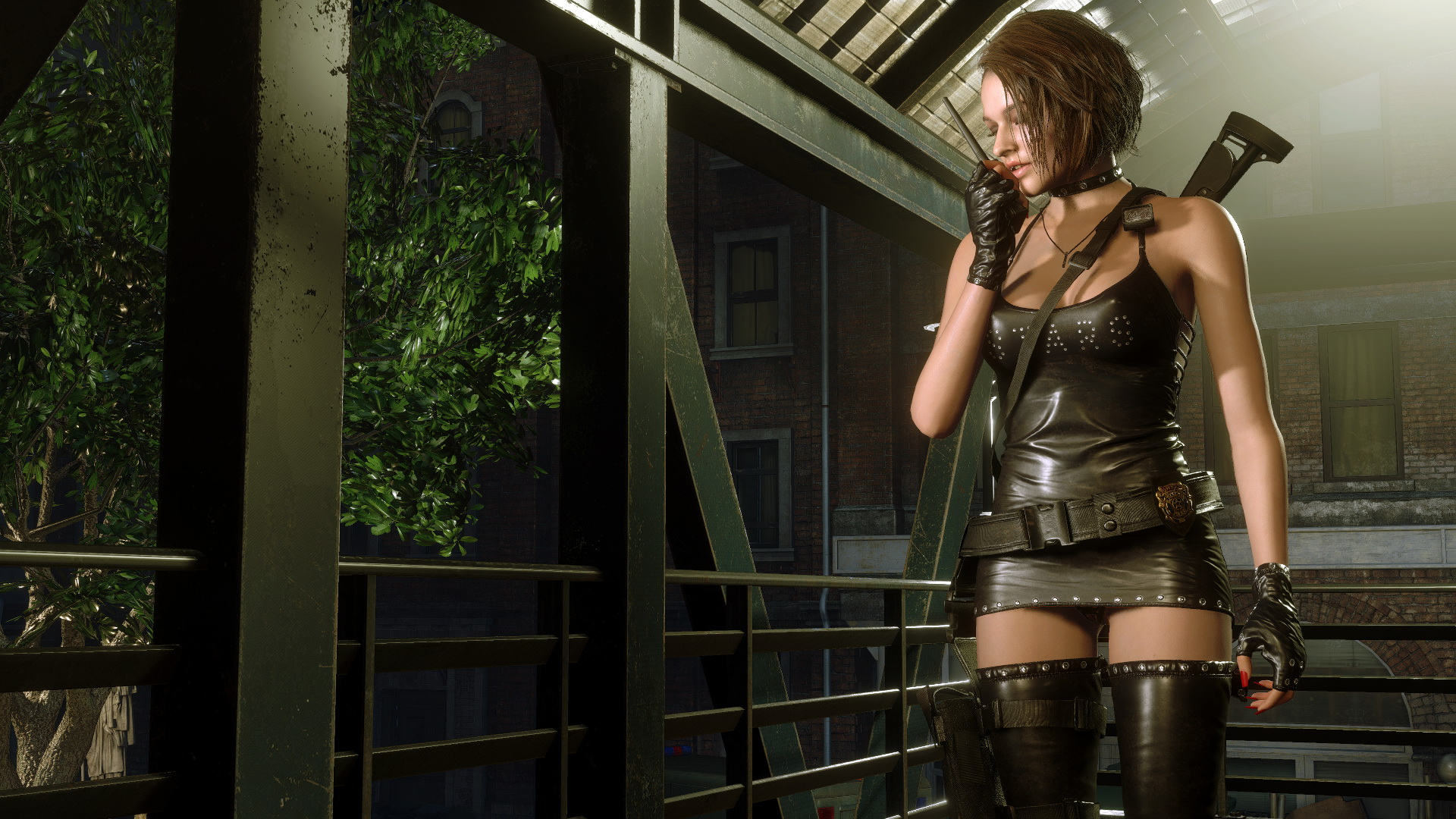
    In this guide you will find detailed instructions for rolling back a patch for Resident Evil 3, where there were no problems with mods and performance.

    How to roll back a patch in Resident Evil 3

    To return to the stable version of Resident Evil 3, you must use the Steam client. Below you will find instructions describing how to install a working patch.

    Steam patch rollback :

    • Right click on the Steam icon, go to shortcut properties and add "-console" to the end. Restart Steam.
    • Alternative method: press the key combination "Win + R" and enter the command steam://open/console, press Enter.
    • Go to the Console tab and enter the following commands:
      download_depot 952060 952062 1773593023053038082 - original game files
      download_depot 952060 952063 7143474949560168717 - DLC files
    • After entering the command into the console, downloading files will begin. By default they will be placed in the Steam\steamapps\content folder.

    Please note that this only works on the account you own the game on.

    For the "alternate" version of the game, you need to install the game version v1.0u4.build.7599632.2020 or lower.

    How to fix modifications after updating

    Most likely the patch has already been installed due to the active "Automatic Update" function. To fix Resident Evil 3 mods, you have no choice but to roll back to the previous patch. Immediately after this, you need to disable auto-update.

    How to disable automatic updates for Resident Evil 3 :

    • Go to Steam and find the game in your library. Right click and select Properties
    • On the Updates tab, change the Automatic Updates option to Update only on startup.
    • Go to Steam offline mode via the appropriate option in the client settings
    • Run Resident Evil 2 only in offline mode .

    For the "alternative" version of Resident Evil 3 - DO NOT install version v1.0 Build 8856549

    Previous

    1 Comments

    albertwj1
    October 13, 2024 06:54 PM
    Reply

    some of us r not playing on console we r on pc that will not help

    Leave a Comment Cancel reply

    Recent Posts

    • How to fix mods in Resident Evil 3 and return to the stable version of the game

    Recent Comments

    • albertwj1 on How to fix mods in Resident Evil 3 and return to the stable version of the game
    • Copyright © uModder All rights reserved.
    • Terms of Service
    • Privacy Policy